Description
Présentation
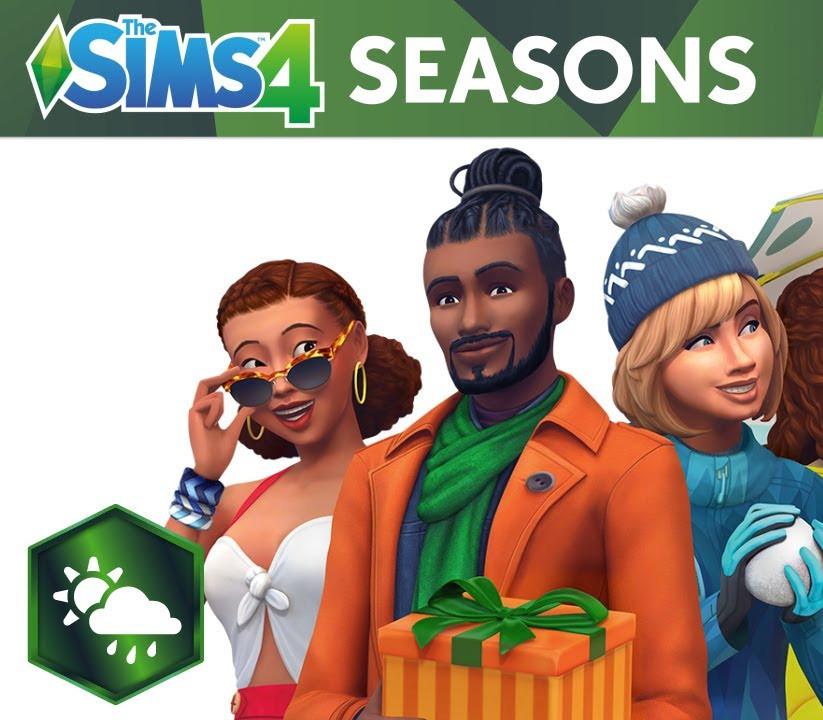
Add weather to your Sims’ lives to tell new stories, enjoy seasonal activities, and celebrate heartfelt holidays with The Sims™ 4 Seasons. Make the most out of the weather all year round, from crisp snowfalls to sweltering heat – every world is affected by seasons in unique ways. Create a winter story with ice skating, befriend a magical scarecrow at the fall harvest, share a spring fling during a downpour, or host a summer pool party. Gather friends and family to celebrate holidays complete with traditions, gifts, and special guests.
Stay warm or keep cool with all-new outfits to brave the elements. Even begin a blossoming gardening career as a botanist or by crafting floral arrangements! Features Experience Impactful Weather Revel in Seasonal Activities Celebrate the Holidays Grow Your Gardening Career
Caractéristiques
- Type : Contenu téléchargeable (DLC)
- Plateforme : EA App (PC)
- Région d’activation : Europe
- Date de sortie : 22/06/2018
- Développeur : Maxis
- Éditeur : Electronic Arts
- Genres : Life Simulation
- Langues : Allemand, anglais, français, espagnol, tchèque, danois, néerlandais, japonais, polonais, russe, suédois, chinois, finnois, norvégien, coréen, italien, portugais (Brésil)
- Classification : PEGI 12
Configuration minimale (PC)
- Système : 64 Bit Required. Windows 7 (SP1), Windows 8, Windows 8.1, or Windows 10 CPU: 1.8 GHz Intel Core 2 Duo, AMD Athlon 64 Dual-Core 4000+ or equivalent (For computers using built-in graphics chipsets, the game requires 2.0 GHz Intel Core 2 Duo, 2.0 GHz AMD Turion 64 X2 TL-62 or equivalent) RAM: At least 4 GB RAM HARD DRIVE: At least 3 GB of free space (15 GB if installing with The Sims™ 4) with at least 1 GB additional space for custom content and saved games VIDEO: 128 MB of Video RAM and support for Pixel Shader 3.0. Supported Video Cards: NVIDIA GeForce 6600 ou supérieur, ATI Radeon X1300 ou supérieur, Intel GMA X4500 ou supérieur. DIRECTX: DirectX 9.0c compatible SOUND CARD: DirectX 9.0c Compatible INPUT: Keyboard and Mouse ONLINE REQUIREMENTS: Internet connection required for product activation
Activation
- Installez l’application EA App (ea.com/ea-app) et connectez-vous à votre compte EA.
- Cliquez sur votre profil, puis sur « Utiliser un code ».
- Saisissez la clé reçue par e-mail et validez.
- Le jeu est ajouté à votre bibliothèque et peut être téléchargé.
Livraison
Clé numérique envoyée par e-mail et disponible dans votre compte client dès la validation de votre paiement. Aucun envoi physique.

Avis
Il n’y a pas encore d’avis.