
Description
Présentation
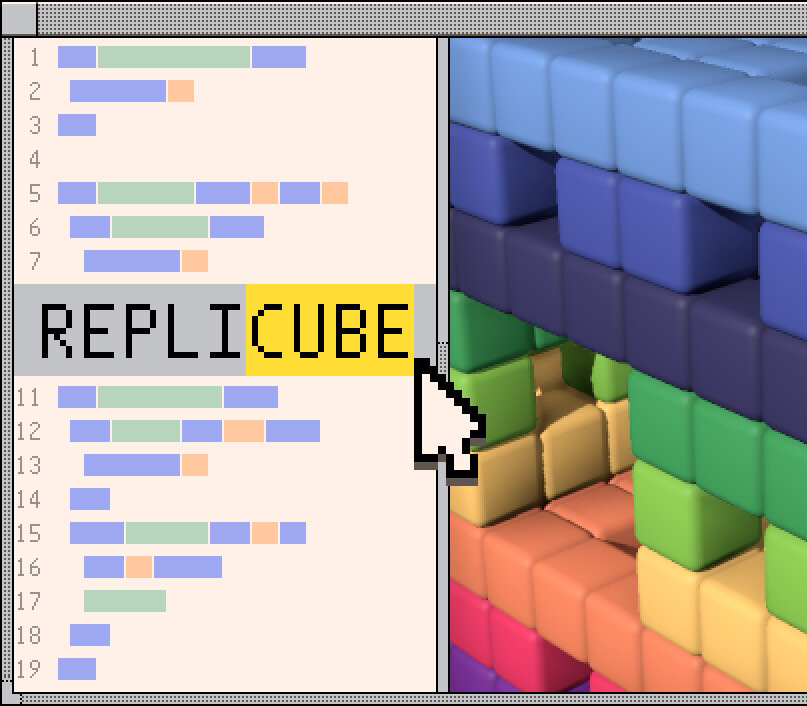
Replicube is an open-ended programming puzzle game/toy about writing code to replicate 3D voxel-based objects. SOLVE PUZZLES The main content of the game involves trying to match a reference object by working out code that will replicate it. There is no « right answer », if your code produces the same object, it’s correct! PLAY AROUND You can always open the voxel tool in « free edit » mode and just play around, making whatever you want.
In addition to the main 3D voxel editor, there is also a bonus 2D image editor for writing code to generate 2D images and GIF animations. You can even save your image creation as the background image in the « OS » interface of the game! JOIN THE COMMUNITY Every puzzle has 2 leaderboards, measuring source code size, and execution efficiency. Often optimizing for one will be at the expense of the other.
If you enjoy trying to squeeze a bit more out of your code, the leaderboards are waiting! There is also an in-game online forum where players can share their own voxel creations, and even challenge other players to try to recreate them, all presented in an old-school online forum wrapper. EXPORT YOUR CREATIONS Generated 3D voxel objects can be exported into common formats to bringing into other 3D creation tools. Generated 2D images and animations can also be exported as png or gif for sharing online.
Caractéristiques
- Type : Jeu complet
- Plateforme : Steam (PC)
- Région d’activation : Monde entier (sans restriction)
- Date de sortie : 24/04/2025
- Développeur : Walaber Entertainment LLC
- Éditeur : Walaber Entertainment LLC
- Genres : Simulation
- Langues : Anglais, français, italien, allemand, espagnol, néerlandais, japonais, coréen, polonais, portugais (Brésil), russe, chinois
Configuration minimale (PC)
- Processeur et système 64 bits requis OS *: Windows 7 or newer Processor: x86_32 CPU with SSE2 instructions, x86_64 CPU Memory: 4 GB RAM Graphics: integrated graphics with full Vulkan 1.0 support Storage: 300 MB d’espace disponible
Activation
- Installez le logiciel Steam (store.steampowered.com) et connectez-vous à votre compte, ou créez-en un gratuitement.
- Dans Steam, ouvrez le menu « Jeux » puis « Activer un produit sur Steam… ».
- Saisissez la clé reçue par e-mail et validez.
- Le jeu apparaît dans votre bibliothèque : vous pouvez lancer le téléchargement.
Livraison
Clé numérique envoyée par e-mail et disponible dans votre compte client dès la validation de votre paiement. Aucun envoi physique.
Avis
Il n’y a pas encore d’avis.