
Description
Présentation
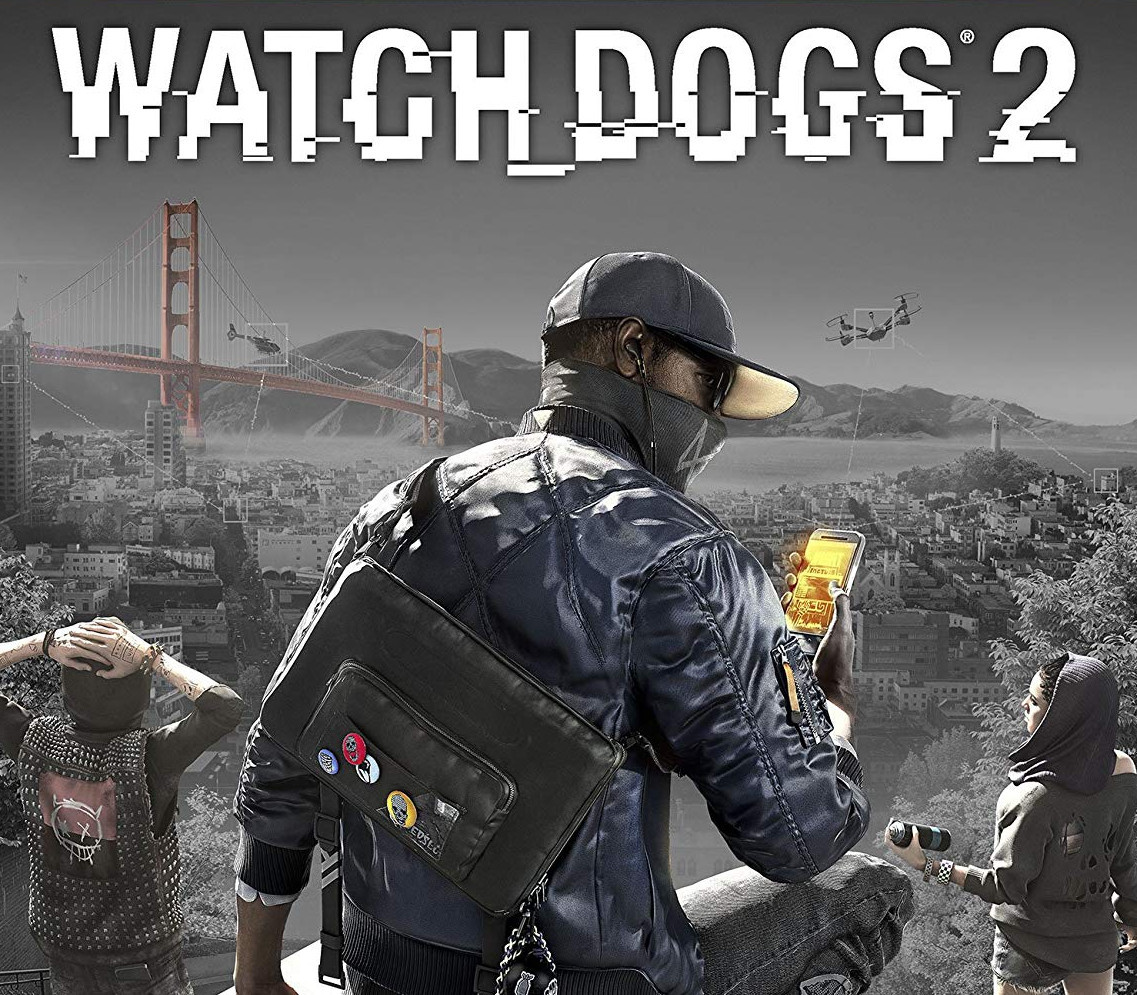
Plongez dans l’univers de Watch Dogs 2, un jeu d’action-aventure en monde ouvert où vous incarnez Marcus Holloway, un hacker déterminé à déjouer un système de surveillance omniprésent à San Francisco.
Explorez librement la ville, utilisez vos compétences en piratage pour manipuler les appareils connectés et profitez d’un mode multijoueur innovant alliant coopération et compétition.
Points forts : gameplay basé sur le piratage, intégration du Tobii Eye Tracking, mode multijoueur varié.
Caractéristiques
- Région d’activation : Monde entier (sans restriction)
- Date de sortie : 29/11/2016
- Développeur : Ubisoft Montreal
- Éditeur : Ubisoft
- Genres : Action, Aventure, Réflexion, Monde ouvert, Story rich, Tir à la troisième personne, Coopération
- Langues : Allemand, anglais, français, espagnol, italien
- Classification : PEGI 18
Configuration minimale (PC)
- Système : Originally released for Windows 7, the game can be played on Windows 10 and Windows 11 OS Processor: Intel Core i5 2400s 2.5 GHz, AMD FX 6120 3.5 GHz ou supérieur Memory: 6 GB RAM Graphics: NVIDIA GeForce GTX 660 with 2 GB VRAM or AMD Radeon HD 7870, with 2 GB VRAM ou supérieur – See supported List* Network: Connexion Internet haut débit Storage: 27 GB d’espace disponible Sound Card: DirectX compatible using the latest drivers Additional Notes: Minimum specs above for 720p, 30+ FPS, Low graphic settings //Peripherals: Microsoft Xbox One Controller, DUALSHOCK 4 Controller, Windows-compatible keyboard, mouse, optional controller / Multiplayer: 256 kbps or faster broadband connection / Note: This product supports 64-bit operating systems only. Laptop versions of these cards may work but are not officially supported. For the most up-to-date requirement listings, please visit the FAQ on our support website at support.ubi.com. High-speed internet access and a valid Ubisoft account are required to activate the game after installation, authenticate your system, and continue gameplay after any re-activation, access online features, play online or unlock exclusive content.
Comment activer cette clé ?
- Installez Ubisoft Connect (ubisoft.com) et connectez-vous à votre compte Ubisoft.
- Cliquez sur l’icône de menu, puis sur « Activer une clé ».
- Saisissez la clé reçue par e-mail et validez.
- Le jeu est ajouté à votre bibliothèque et peut être téléchargé.
Avis
Il n’y a pas encore d’avis.